
Povidomlyaka for Altegio: reminders, reviews and base protection on autopilot
Reminders, visit confirmations and review requests over Telegram, WhatsApp and SMS. Install from the Altegio marketplace in about 5 minutes.
Installs from the Altegio marketplace
Find the Povidomlyaka app in the Altegio marketplace, click Connect and grant access to bookings and your client base.
Then connect WhatsApp and Telegram in your Povidomlyaka account by scanning a QR code, just like WhatsApp Web. Locations, staff and services come over from Altegio on their own.
Connection guide →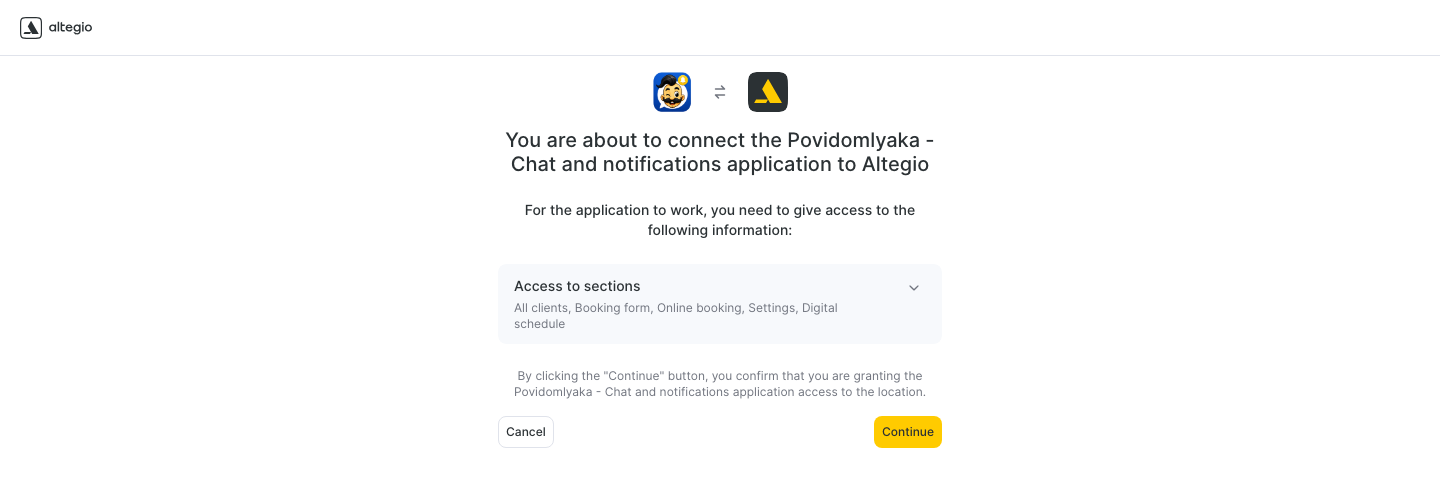
You switch reminders on right inside Altegio
In Altegio, open Notifications → Notification types and turn on what you need: appointment reminders, confirmation requests, a review request after the visit.
Under Delivery channels, choose "SMS + Messengers – Always send". Message texts are edited in your Altegio templates — the way you're used to.
How to set up notifications →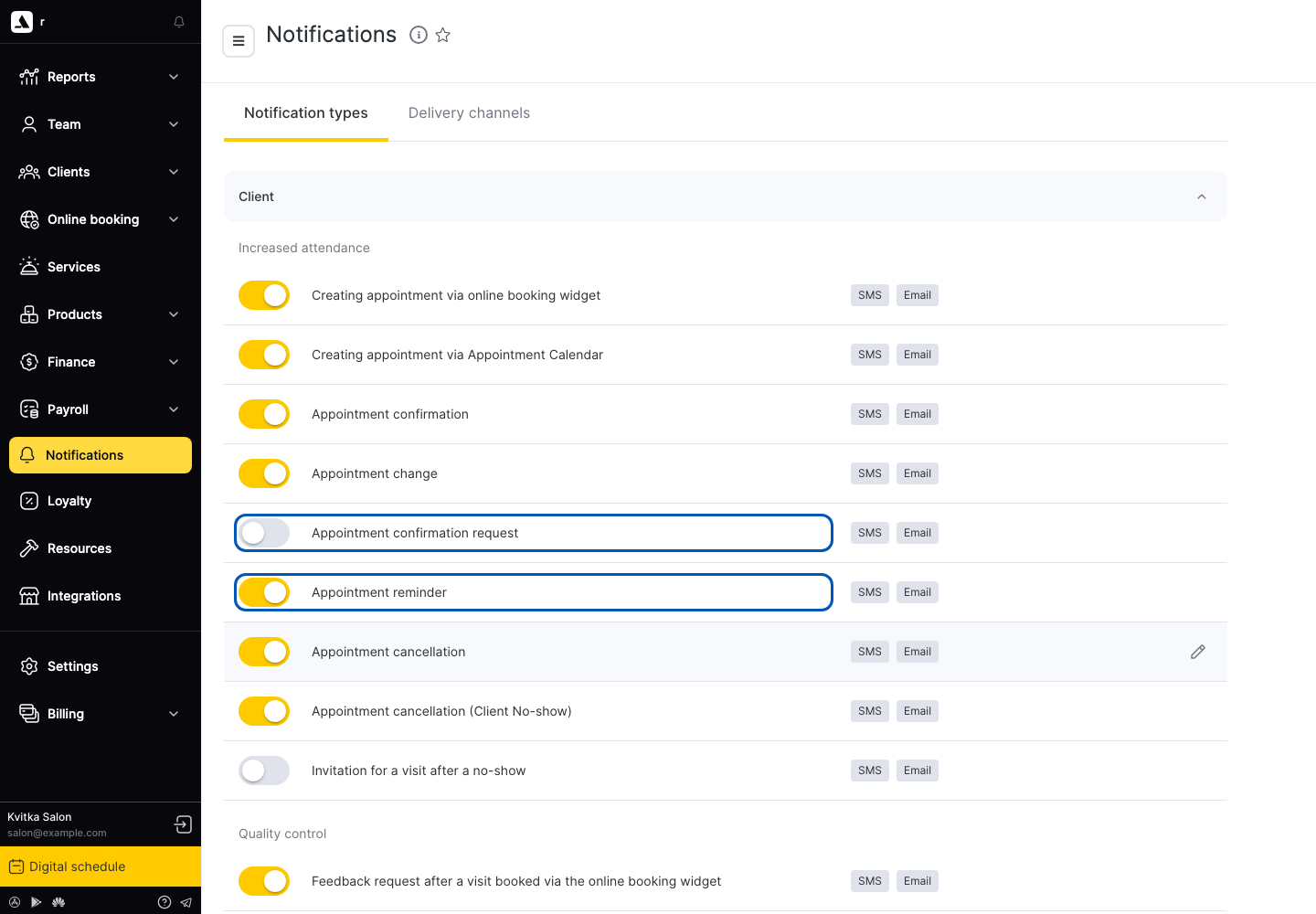
AI confirmation and review collection
The confirmation bot understands the client's reply in their own words and confirms or cancels the booking in Altegio by itself — no phone calls.
The review bot asks the client to rate the visit: happy clients go to Google, and a low score gets flagged to you right away. Every reply text is yours.
How to set up AI confirmation →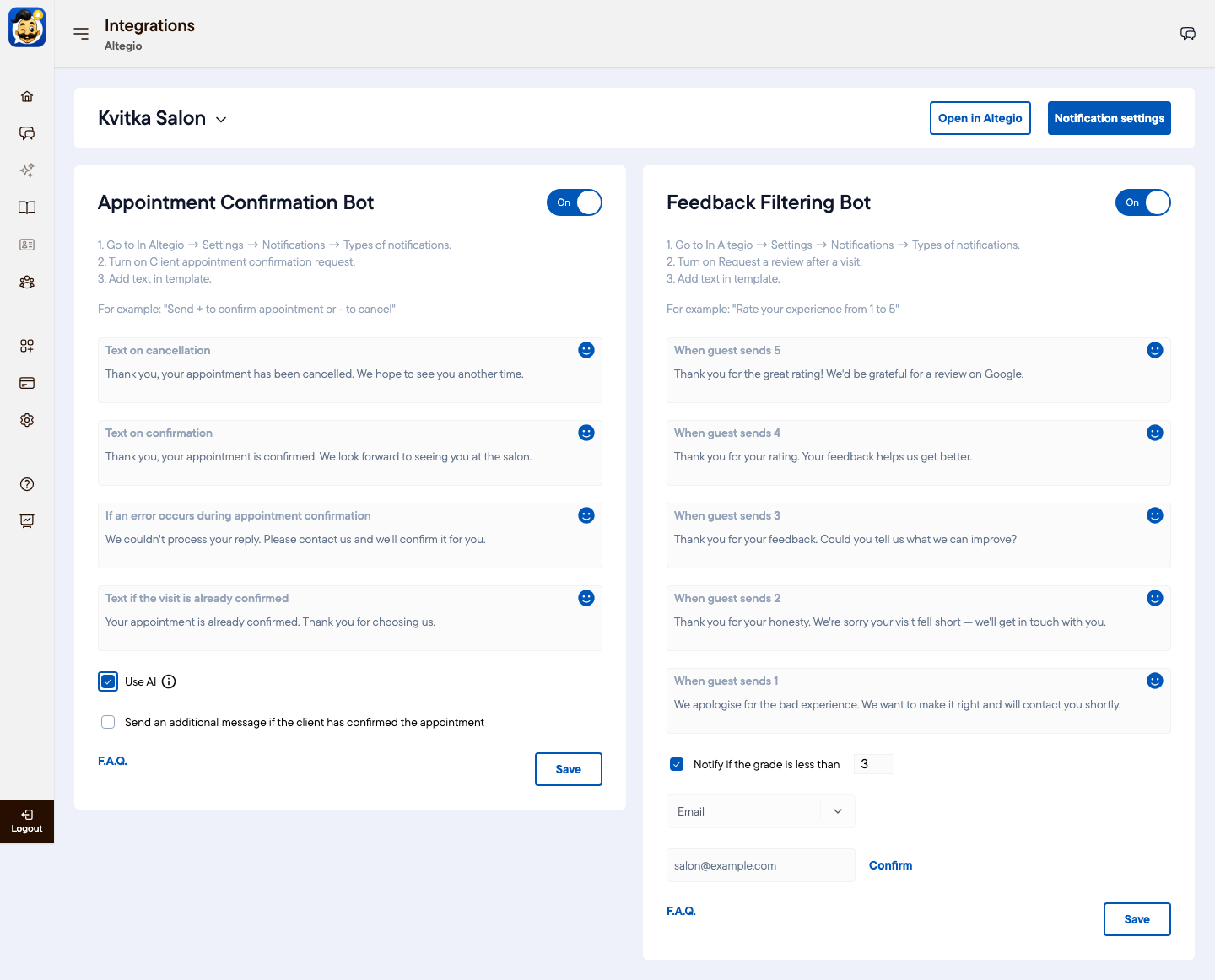
Every message in plain sight
The history shows where each reminder went — Telegram, WhatsApp or SMS — whether it was delivered and read, and whether the client replied.
If a message didn't get through, the reason is right next to it, and you can resend it in one click.
How to check reminders are working →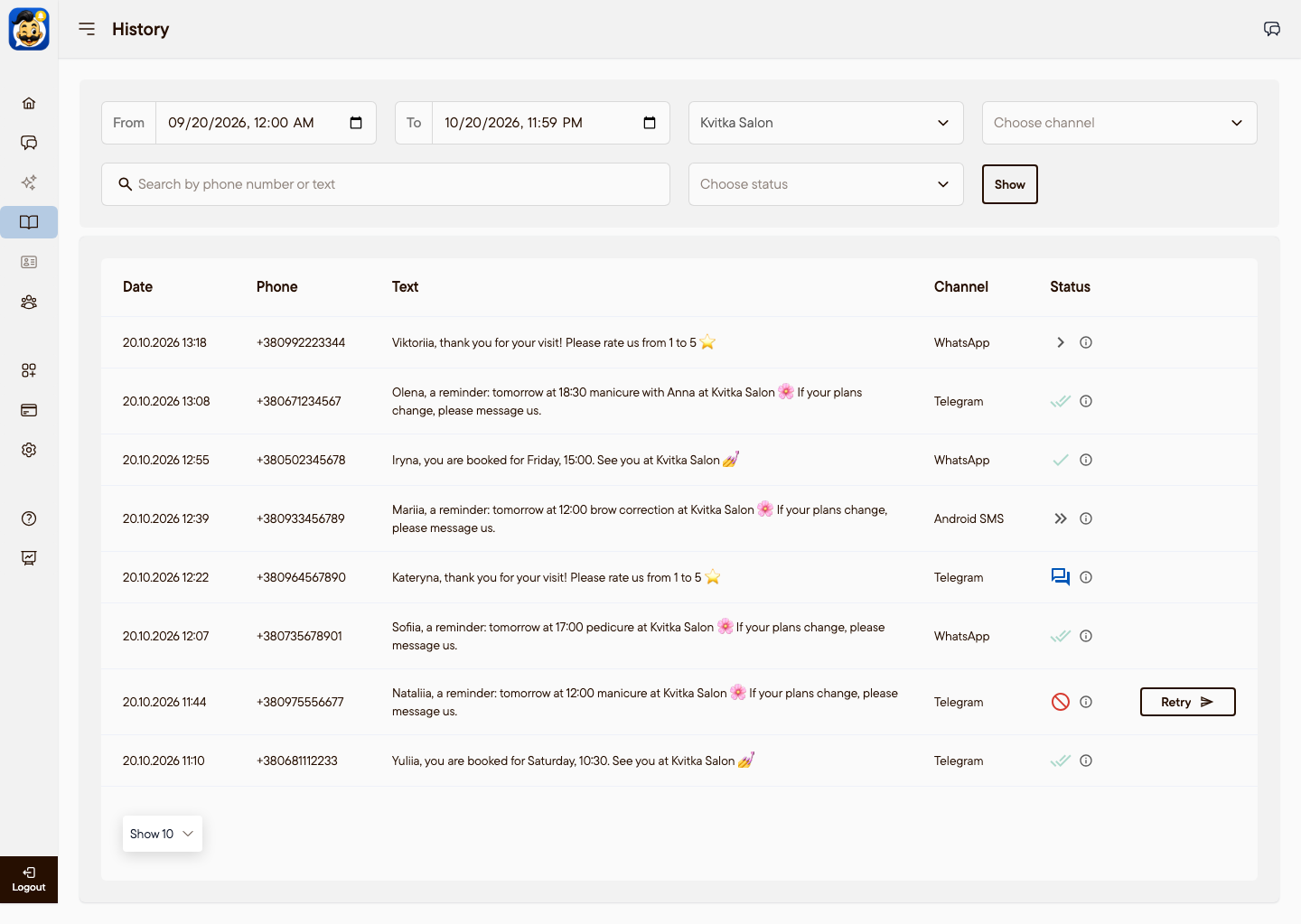
Telegram, WhatsApp and SMS — in your order
Drag the channels into the order you want — Povidomlyaka sends the reminder through the first channel the client is reachable on, with SMS kept as the backup.
A channel can be kept for chats and broadcasts only, and the smart cascade writes to the client where they replied last.
How to set up the cascade →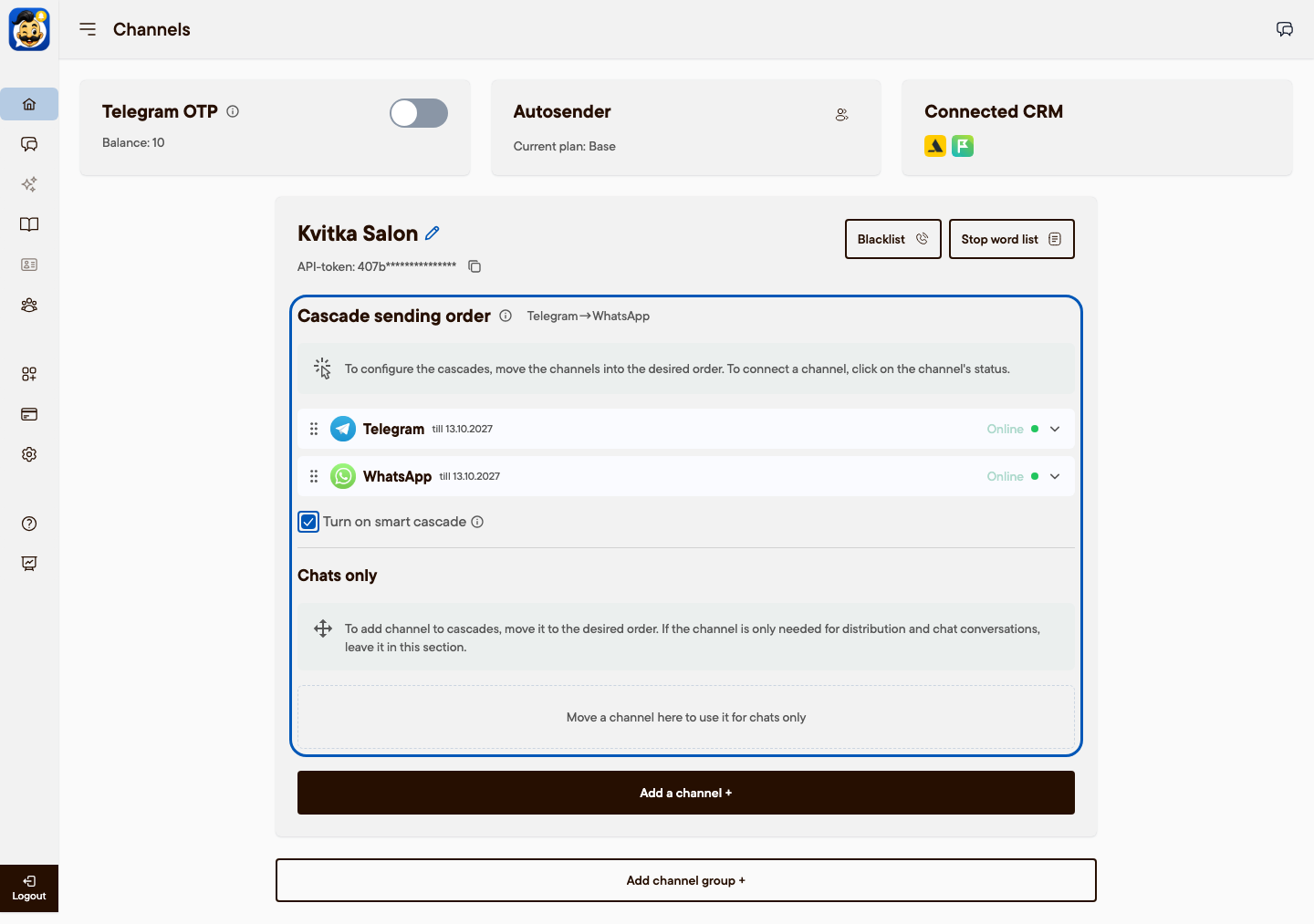
Client chat, right inside Altegio
Conversations open in a side panel in Altegio, next to the booking journal — you see who is writing and when they're booked.
The front desk replies without switching apps, and the client gets the answer in their own Telegram or WhatsApp.
How chat inside Altegio works →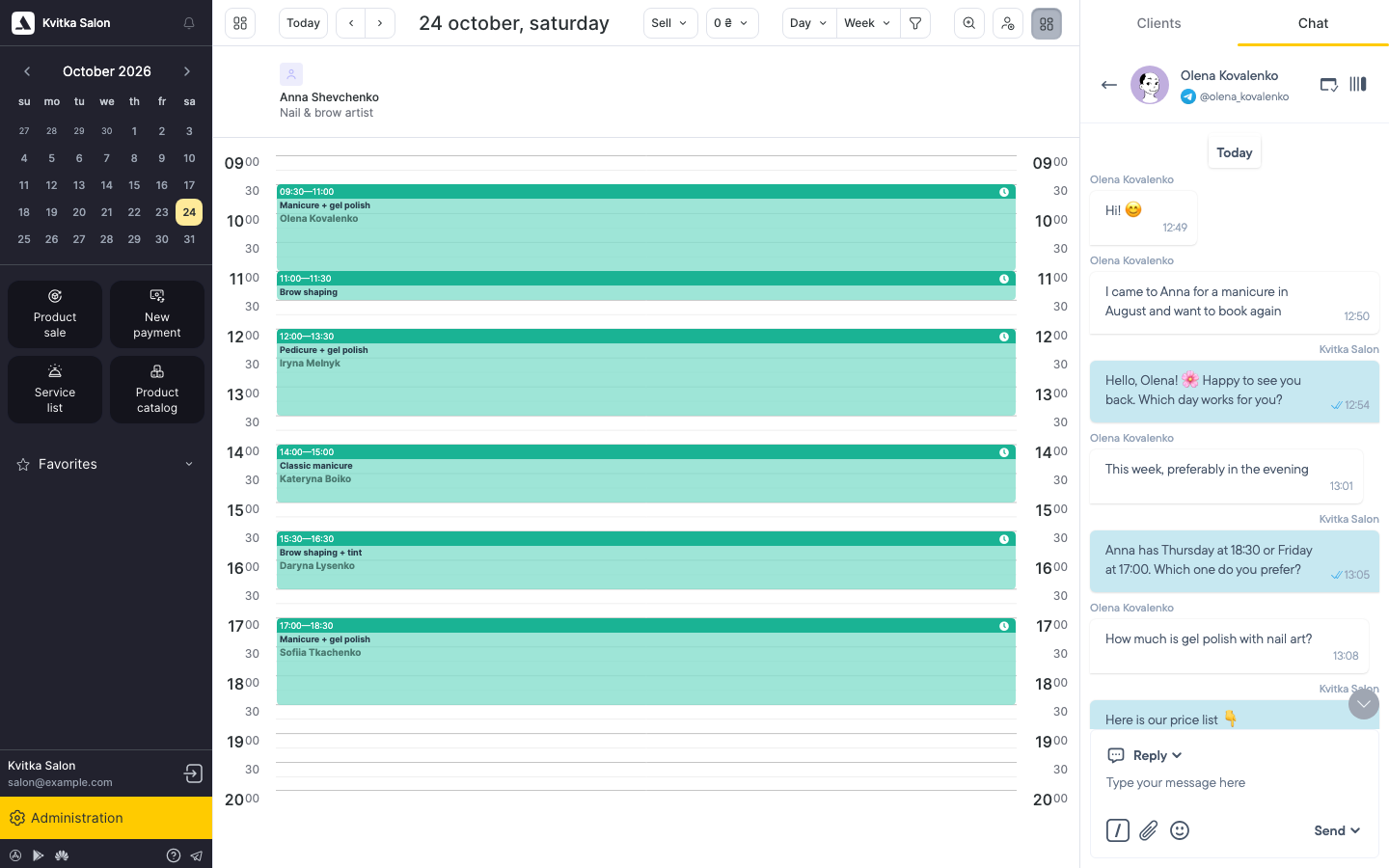
Altegio keeps the schedule. Who reminds the client?
- Clients forget about the visit — an empty slot on the schedule
- SMS is costly, and calls eat front-desk time
- Happy clients rarely leave a review on their own
- Client phone numbers live in a stylist's personal phone
- A separate tool for every task and several dashboards
- Automatic cascade reminders across channels — the chair doesn't sit empty
- Telegram → WhatsApp → SMS: SMS only as the backup
- An automatic request after the visit sends happy clients to Google
- Hidden numbers: the client base stays an asset of the business
- One connection covers reminders, reviews, chat and broadcasts
One connection, every scenario your business needs

Cascade reminders
Telegram → WhatsApp → SMS: the reminder reaches the client where they actually read.
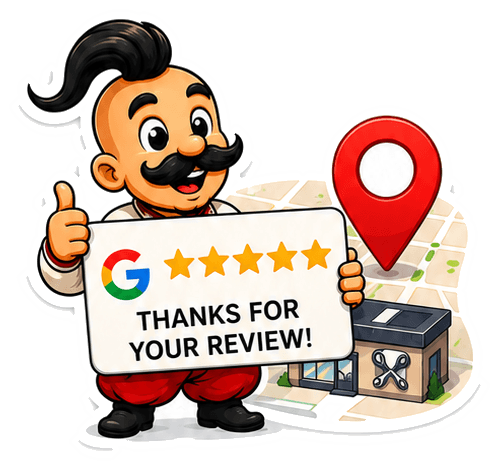
Google review collection
An automatic request after the visit sends happy clients straight to your Google listing.
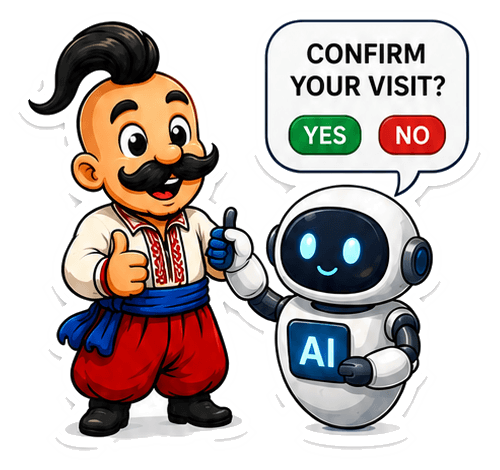
AI visit confirmation
The client replies "yes" and the booking is confirmed in Altegio, with no phone calls.
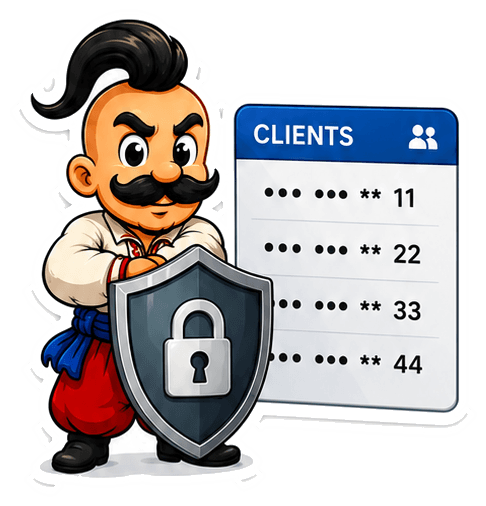
Client-base protection
Hidden numbers and a shared chat — the base stays with the business, not a stylist.

Marketing broadcasts
Promotions and updates to your Altegio base — pick an audience and send.
Built-in chat in Altegio
Message clients right inside Altegio, with auto-replies and team roles.
What it costs
The first 14 days are free, no card required. After that — €15.00 a month for WhatsApp or Telegram, €25.00 for both. The price doesn't depend on how many staff or bookings you have.
See pricingFrequently asked questions
How long does it take to connect Altegio?+
About 5 minutes. Install the app from the Altegio marketplace, connect WhatsApp or Telegram by QR code and turn on the notifications you need in Altegio — locations, staff and services come over on their own.
Is there a reminder limit or a per-stylist fee?+
No. You pay per channel in a channel group, and the price doesn't depend on how many staff or bookings you have — send as many reminders as your business needs. A channel group is a set of connected numbers (for example, one Telegram and one WhatsApp), and one group can serve one or several Altegio locations.
Where do I edit the reminder texts?+
In your Altegio notification templates — the same place as for regular SMS. Povidomlyaka delivers those texts over Telegram, WhatsApp or SMS.
Can I turn on reminders only, without reviews or broadcasts?+
Yes, every scenario switches on separately. Start with appointment reminders and add review collection, AI confirmation and broadcasts later.
What if a client doesn't have WhatsApp or Telegram?+
The cascade takes over: the message goes to the next available channel, and as a last resort by SMS from your own Android phone.
Which businesses is this for?+
Any business that books in Altegio: beauty salons, barbershops, nail studios, brow and lash bars, cosmetology, and chains with several locations.
Connect Altegio in 5 minutes
One account for every client-messaging scenario. The first 14 days are free and no card is required.
Start free